Is Your Switch Running Out of Space? Fortnite's Huge Update Actually Cuts File Size
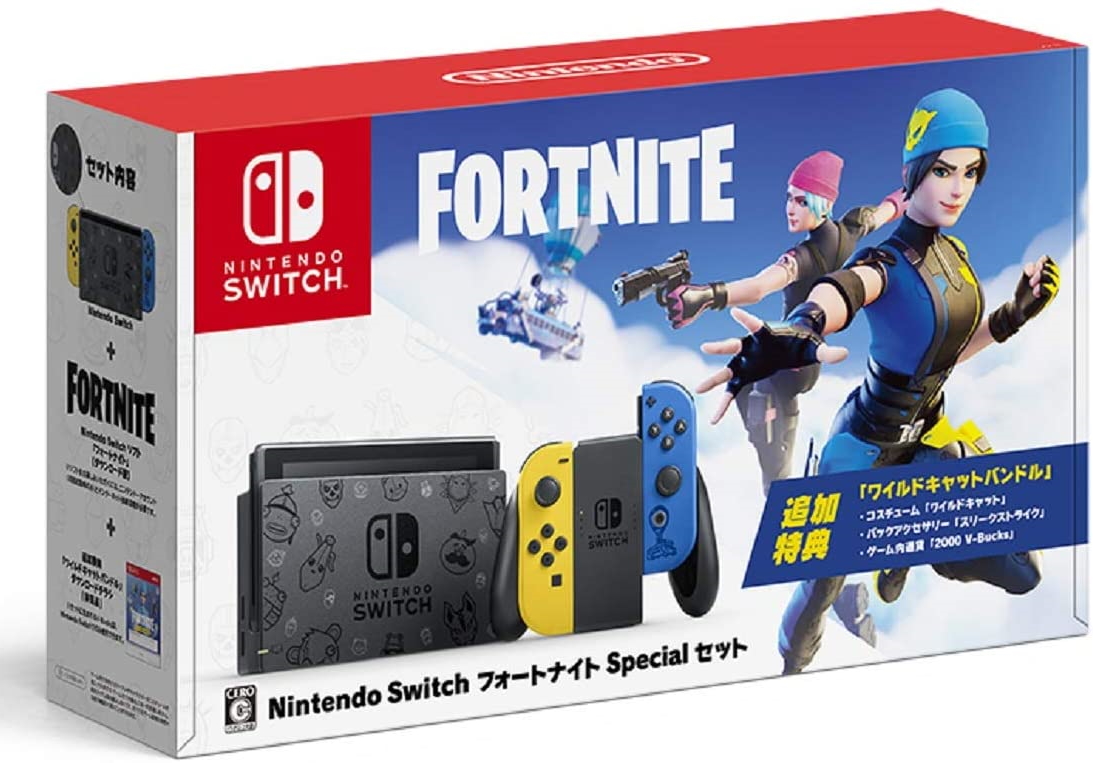
Every major live-service title faces an inevitable physical boundary on hybrid consoles: NAND flash capacity. For years, Nintendo Switch owners watched their storage meters bleed red as continuous season releases, cosmetics, and Unreal Engine integrations pushed local files into the stratosphere. When installation thresholds cross 25 gigabytes on a machine shipping with 32 gigabytes of baseline memory, players face an ultimatum: purge their library or buy add-on silicon. As detailed in an IGN Report tracking portable console hardware demands, flash storage bottlenecks remain the primary roadblock for handheld players managing expanding game ecosystems.
Epic Games confronted this technical wall directly. Rather than letting the battle royale balloon indefinitely, the development team engineered an aggressive technical refactoring that managed to slash the active footprint on Nintendo hardware while concurrently lifting dynamic resolution floors. The result is a rare feat in live-service architecture: an expansive visual overhaul that genuinely frees up space on your console.
📌 Key Takeaways:
- Current Footprint: The base Fortnite Switch file size hovers between 15.2 GB and 18.5 GB depending on the current season build, down from legacy builds that peaked past 25 GB.
- The Compression Shift: An Epic Games optimization patch reconstructed texture pipelines and stripped non-essential platform assets to reduce data bloat.
- Storage Reality: A bare-metal 32 GB console still struggles during update staging, making microSD card expansion essential for seamless patch handling.
The Flash Storage Squeeze Across Switch Hardware Iterations
The standard Nintendo Switch and the Switch Lite ship with 32 GB of internal eMMC storage. Once the operating system reserves its partition, players have approximately 25.9 GB of usable space. The Switch OLED improved this equation by stepping up to 64 GB of internal storage, netting users roughly 54 GB of functional room.
For a game distributed entirely over the air without physical cartridge offloading, these numbers represent a razor-thin margin. Live-service titles do not just require space for static code. They require staging memory. When an update arrives, the operating system downloads the compressed payload, unpacks the archives, and validates hashes before purging the duplicate installation files. If a title occupies 18 GB and downloads a 6 GB content drop, the system briefly requires up to 24 GB of unfragmented storage to complete the rewrite. On a standard 32 GB console carrying three screenshots and a cloud-save cache, that process fails abruptly.
Engineering the Diet: How Epic Games Reclaimed Internal Storage
Engineers achieved this reduction by dismantling how assets stream to the Nvidia Tegra X1 processor. Earlier builds of the battle royale carried multi-platform legacy textures and audio files that the portable hardware could never practically render or decode in handheld mode. The Epic Games optimization patch fundamentally overhauled this pipeline by stripping high-tier PC/console rendering targets from the handheld build, rebuilding texture compression via Kraken algorithms, and enforcing clean target resolutions.
Under the revised architecture, mobile dynamic resolution scaling works in concert with compressed texture blocks. Instead of loading uncompressed UI banners and audio files for every global locale, the client requests specific language packs and stream-caches seasonal cosmetics dynamically. This single shift cleaved roughly 10 GB of legacy overhead from the package over several development iterations. The client became smaller, runtime frame pacing leveled out, and the notorious Switch game installation error stemming from out-of-memory buffer allocations dropped substantially across forum telemetry.
Historical Footprint and System Memory Requirements
Examining the game’s storage requirements reveals clear inflection points where aggressive restructuring altered its local data demands on the console.
| Development Era | Active File Size | Patch Staging Overhead | 32GB Internal Viability |
|---|---|---|---|
| Chapter 1 Launch (2018) | 11.5 GB, 13.8 GB | ~4 GB buffer | High (Standalone) |
| Chapter 2 Peak Bloat (2020, 2021) | 26.0 GB, 31.2 GB | ~8 GB buffer | Critical Failure / Blocked |
| Post-Optimization Refactor (2022, 2024) | 15.0 GB, 17.5 GB | ~5 GB buffer | Viable (Zero other games) |
| Current Ecosystem (2025, 2026) | 16.5 GB, 19.2 GB | ~6 GB buffer | Requires SD card for reliability |
The numbers explain why thousands of players suddenly faced download rejections during the Chapter 2 era. The unoptimized client left zero room for the operating system to maneuver. The current baseline holds steady under 20 GB, preserving operational breathing room even during mid-season map transformations.
Handling the Update Download Space Wall and Corrupt File Flags
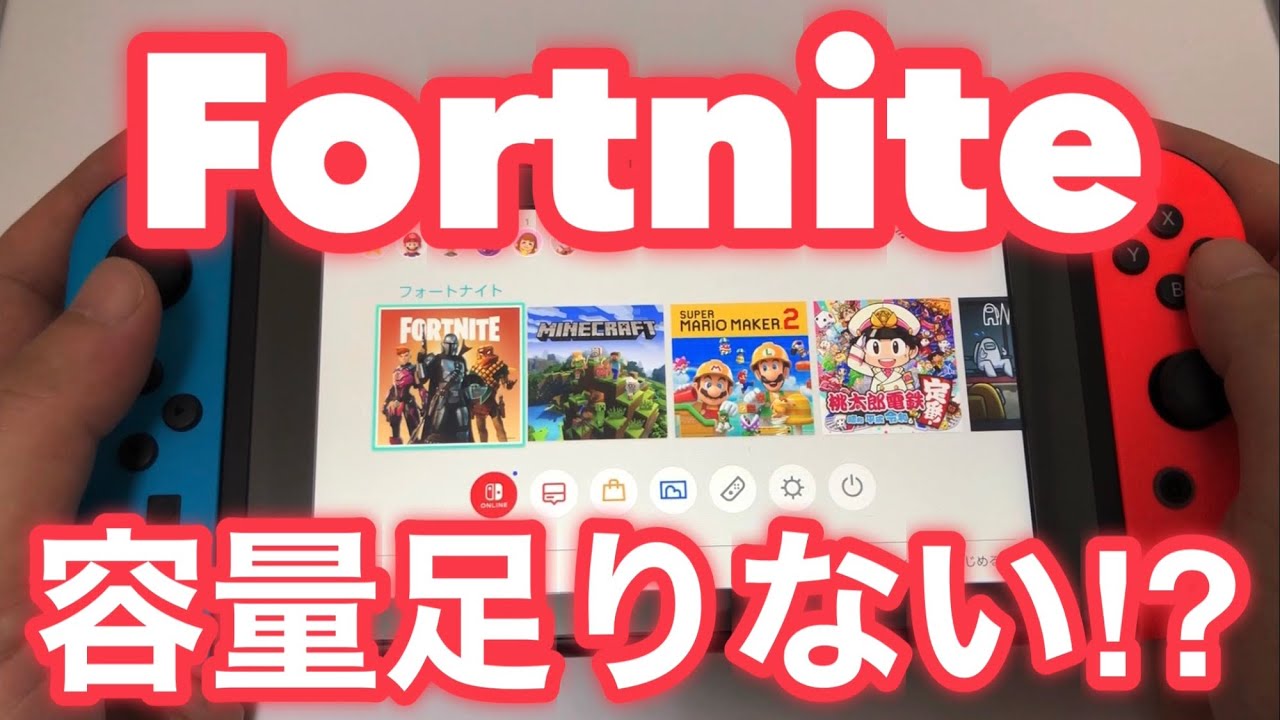
Despite these backend code reductions, players frequently encounter an infuriating loop: the system reports that an update requires only 3.2 GB, yet refuses to initiate the download due to "insufficient free space."
This happens because the Nintendo operating system does not execute in-place differential patching on corrupted sectors. If an earlier download suffered packet dropouts, the system quarantines the file and demands space for both the original client and the incoming asset container. When this happens, players see generic system errors or infinite download pauses.
The solution is not to download endlessly over the top. Instead, opening the console Data Management settings and triggering a clean file-check breaks the cycle. If persistent corruption flags appear, completely deleting the game software, rather than merely patching it, reclaims lost sectors. Because character progress, cosmetic lockers, and V-Buck balances sit safely on Epic Games server databases, a clean re-download carries zero risk to profile data.
Tactical Memory Management: Internal Storage vs. MicroSD Cards
Running live-service games smoothly on Nintendo hardware requires deliberate storage hygiene. Internal flash memory delivers read speeds near 80 MB/s to 100 MB/s, whereas standard microSD cards interface across the UHS-I bus, capping out practically around 60 MB/s to 90 MB/s depending on quality.
To free up storage space and keep update routines reliable, adopt these specific steps:
Navigate to System Settings > Data Management > Manage Software. If you run multiple indie titles, select Archive Software on games you are not actively playing. Archiving strips the multi-gigabyte executable and asset data while keeping the game icon and save profile on your home screen for immediate re-downloading later.
Next, move your primary titles. If your internal flash is packed, shift secondary digital games onto a dedicated memory card to keep at least 8 GB of internal system storage entirely open. That buffer provides the scratchpad the console needs during massive seasonal updates.
When selecting physical expansion, hardware choice matters. Official licensed options like the SanDisk microSDXC for Switch provide reliable read/write stability, but any name-brand card supporting UHS-I Class 10, U3, and A2 application performance standards will prevent stuttering when dynamic assets load mid-match. A 128 GB card typically costs between $15 and $22, permanently solving the staging crunch for the life of the hardware.
Frequently Asked Questions (FAQ)
Q1: Exactly how much storage does Fortnite need on a Switch right now?
A1: The base installation requires roughly 16 GB to 19 GB of storage space. However, you should maintain at least 25 GB of unreserved space before initiating seasonal downloads to account for temp files during extraction.
Q2: Can I install Fortnite on internal memory and store update patches on a microSD card?
A2: No. The Nintendo Switch operating system requires that a game software package and all of its update data reside on the same drive. If you transfer the core application to a microSD card, subsequent updates automatically route to the card as well.
Q3: Will archiving games delete my Fortnite skins, battle pass, or career progress?
A3: Not at all. Your progression, purchases, and cosmetics are permanently tied to your centralized Epic Games account. Archiving simply removes the local client data from your console storage.
Managing Live-Service Storage Moving Forward
Epic Games proved that smart software architecture can push back against physical console limits. By throwing out dead build assets, standardizing texture compression, and designing specifically for the constraints of mobile processors, they extended the viable lifespan of 32 GB hardware.
Yet optimization only goes so far. As live-service games continue adding mechanics, engine upgrades, and high-fidelity crossover items, digital footprints inevitably creep outward. Keeping a disciplined eye on your data management settings and pairing your console with a fast, high-endurance microSD card remains the simplest, most effective defense against the dreaded download error screen.
